Overview and Effect Analysis
View metrics such as accounts, pending emails, due follow-ups, replies and rejections, and understand email connection and channel status.
From customer discovery and data verification to multi-channel communication and continuous follow-up, overseas business work is centralized on one workbench, allowing customer information and communication records to continue to accumulate.
Consulting products ↗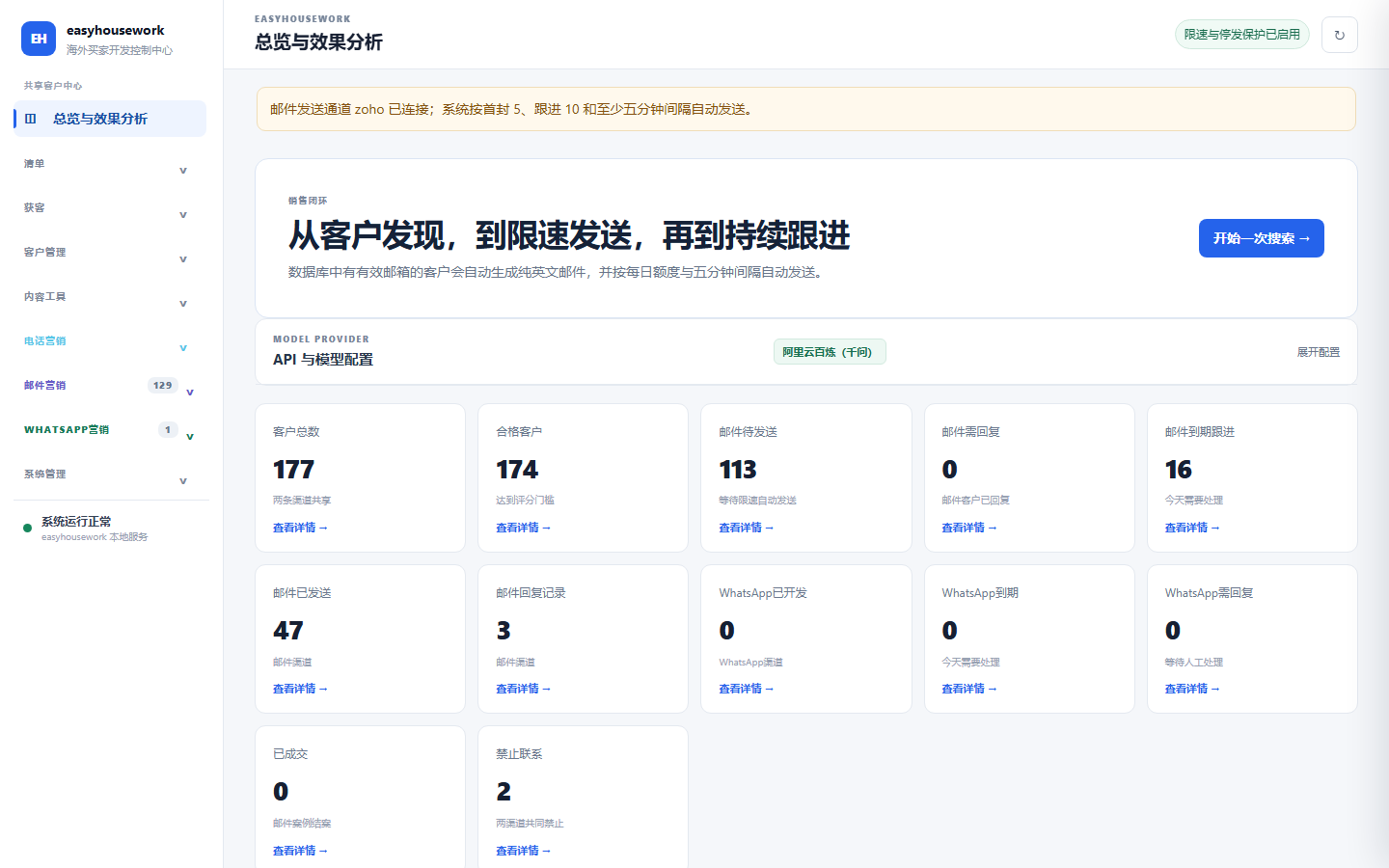
Workspace CRM puts customer research, tiering, phone calls, emails, WhatsApp, marketing content and task management in one on-premises system. Customer profiles and channel activities are recorded around a unified profile. The current version is mainly used in business scenarios of overseas household supplies, cleaning tools and environmentally friendly cleaning products.
Understand the business progress from the overview, and then arrange the work that needs to be processed into a list.
View metrics such as accounts, pending emails, due follow-ups, replies and rejections, and understand email connection and channel status.
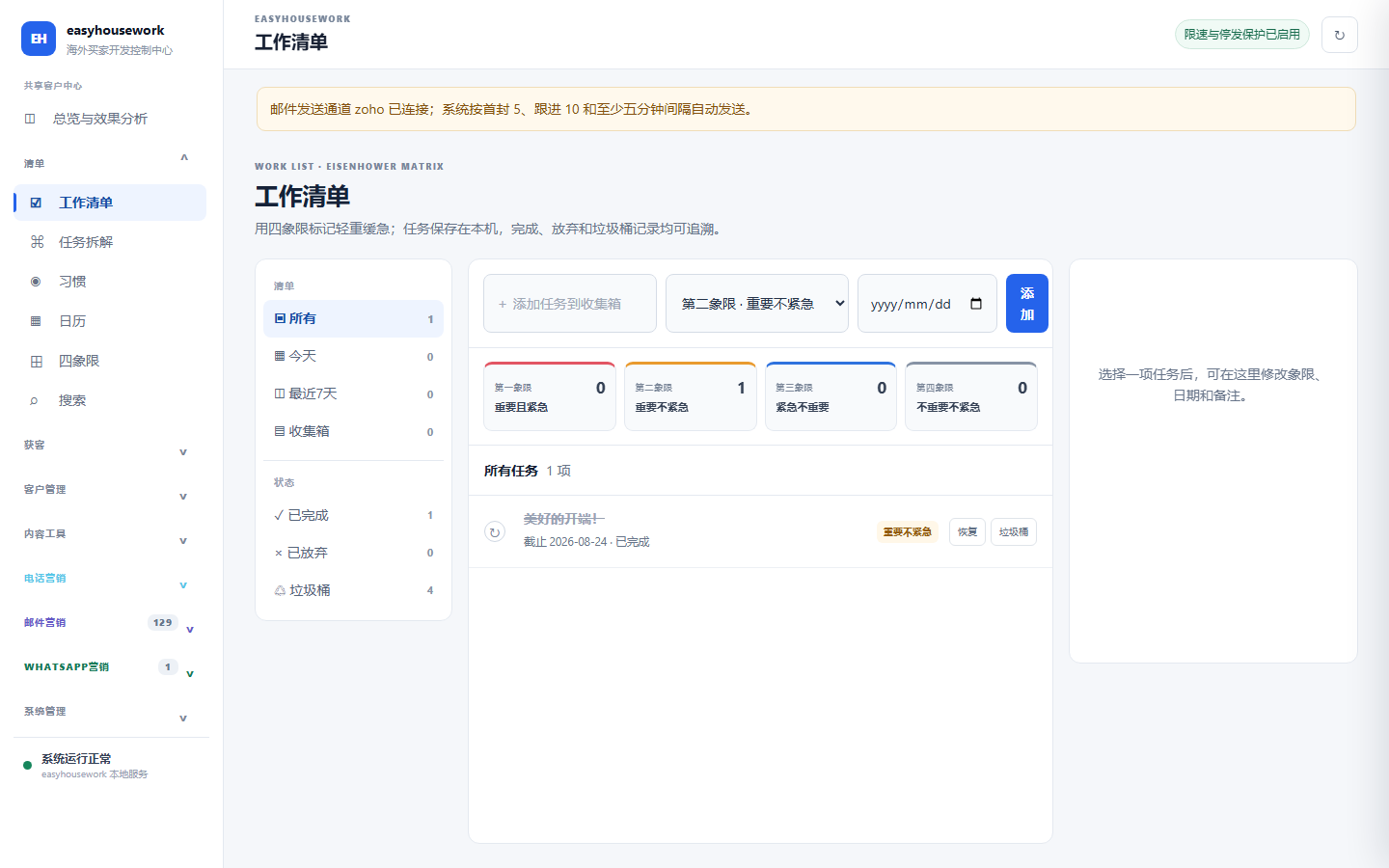
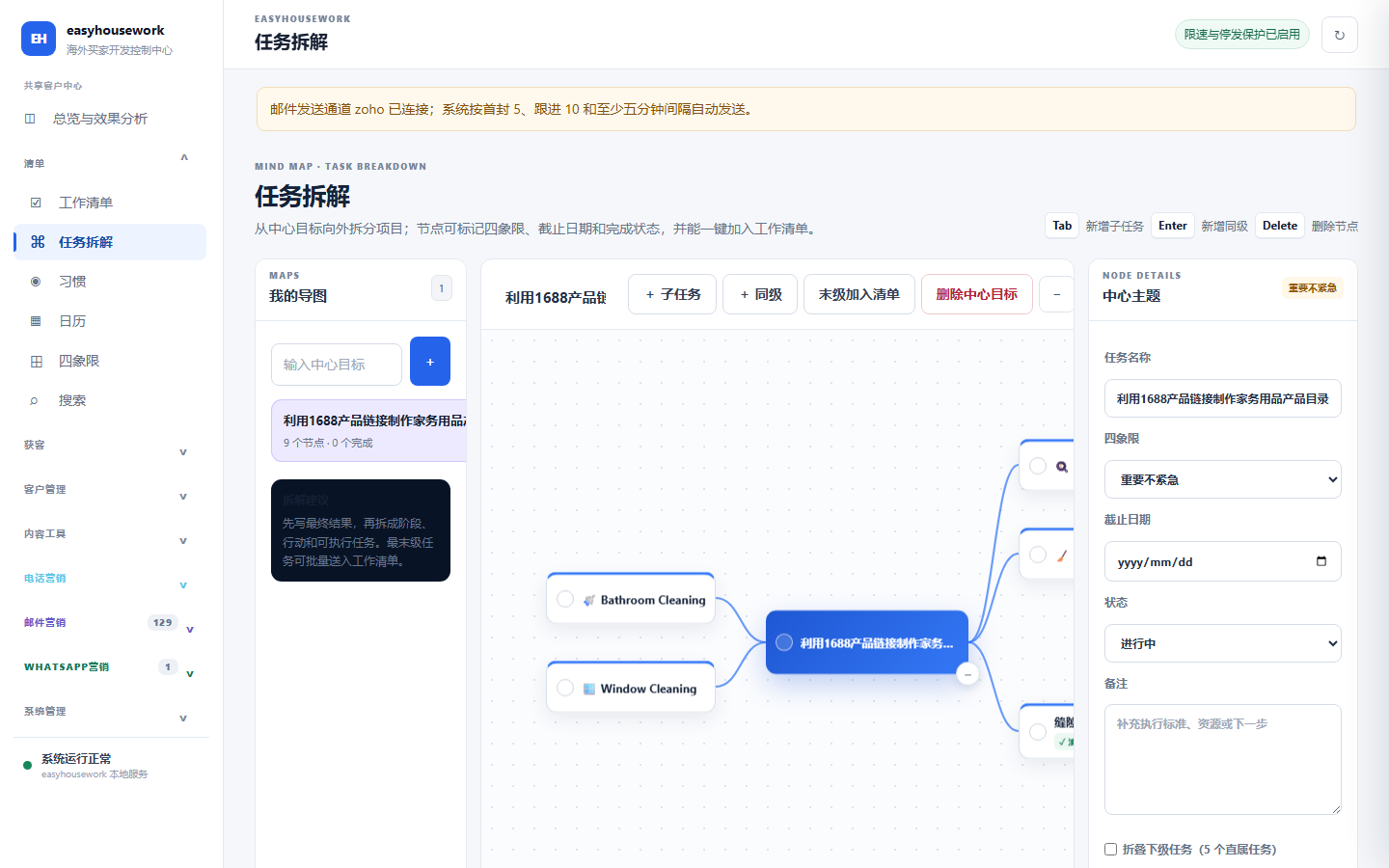
Record tasks, deadlines, notes and completion status; arrange priorities according to the four quadrants, and manage daily work through task breakdown, habits, calendar and search.
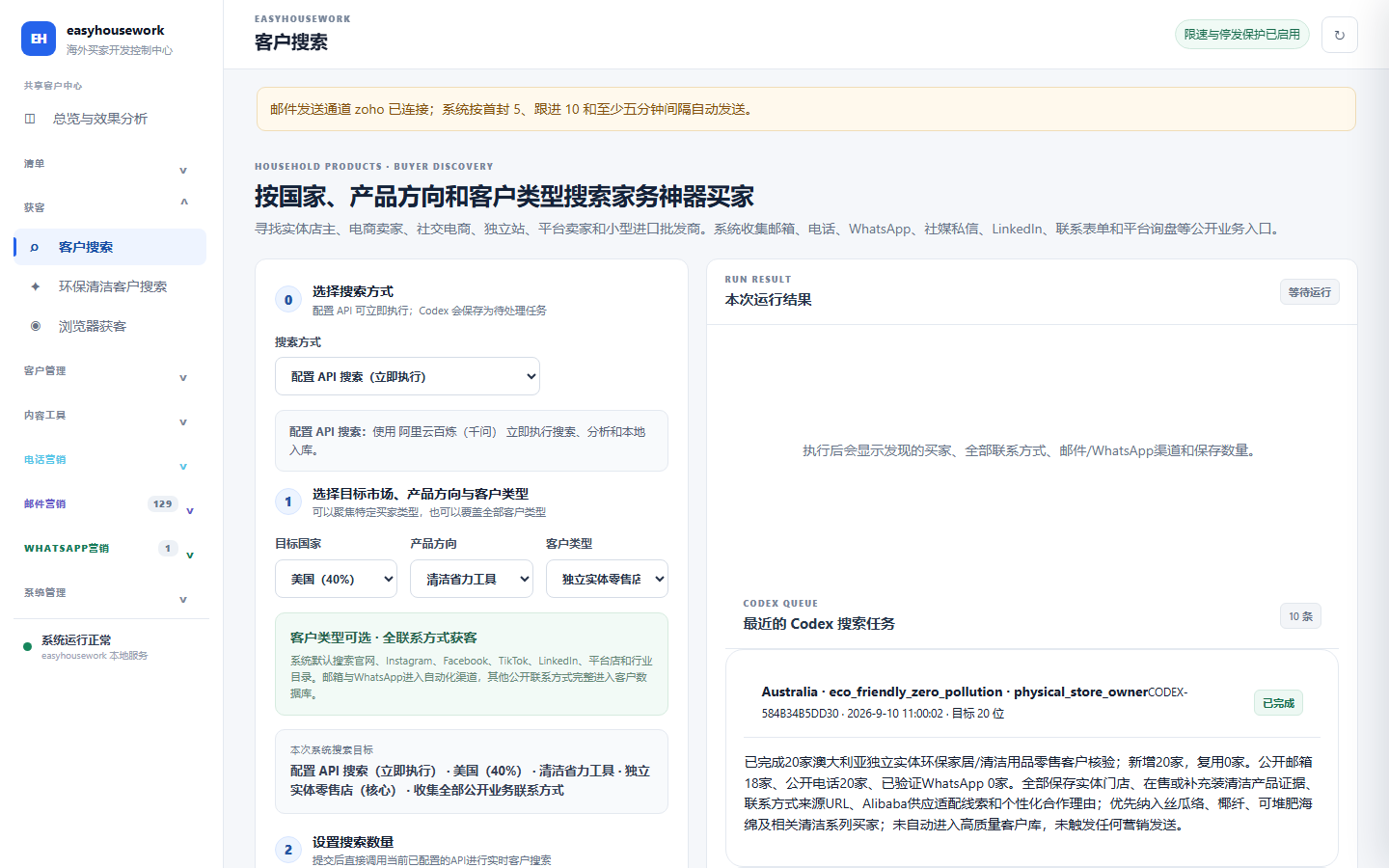
Discover potential customers through multiple entrances and retain public evidence for verification by business personnel.
Conduct research by country, product direction, customer type and volume; perform searches in API mode and save as pending tasks in Codex mode.
Find environmentally friendly product distributors, retailers, and sustainable e-commerce companies, and pay attention to publicly available evidence of products, operations, and contact information.
Research public web pages in a visible browser, support pause, manual takeover, continue and stop, do not send messages or submit forms in this step.
Research a single subject based on company name, website, social media, email or customer description, check for duplication and access information and save it.
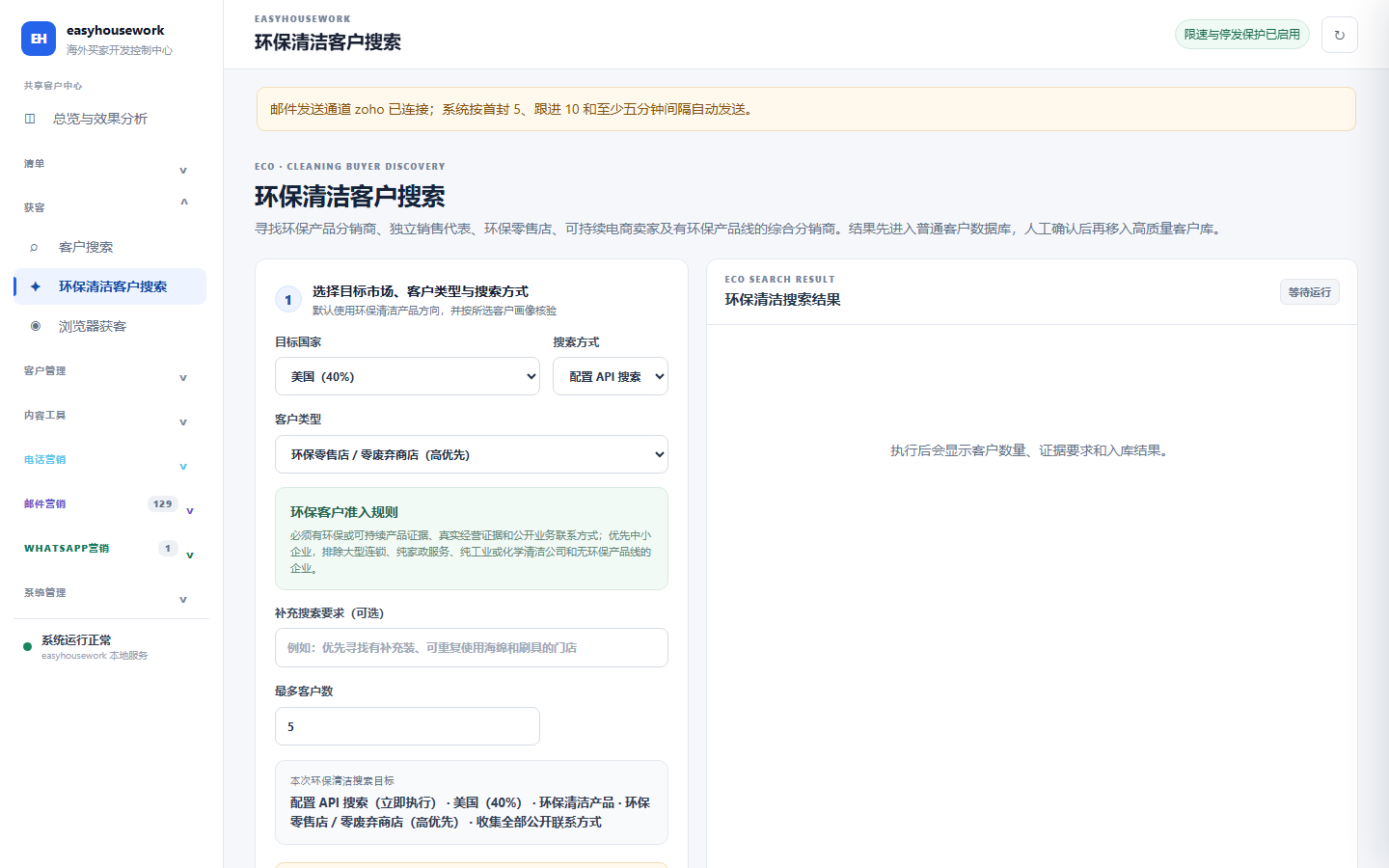
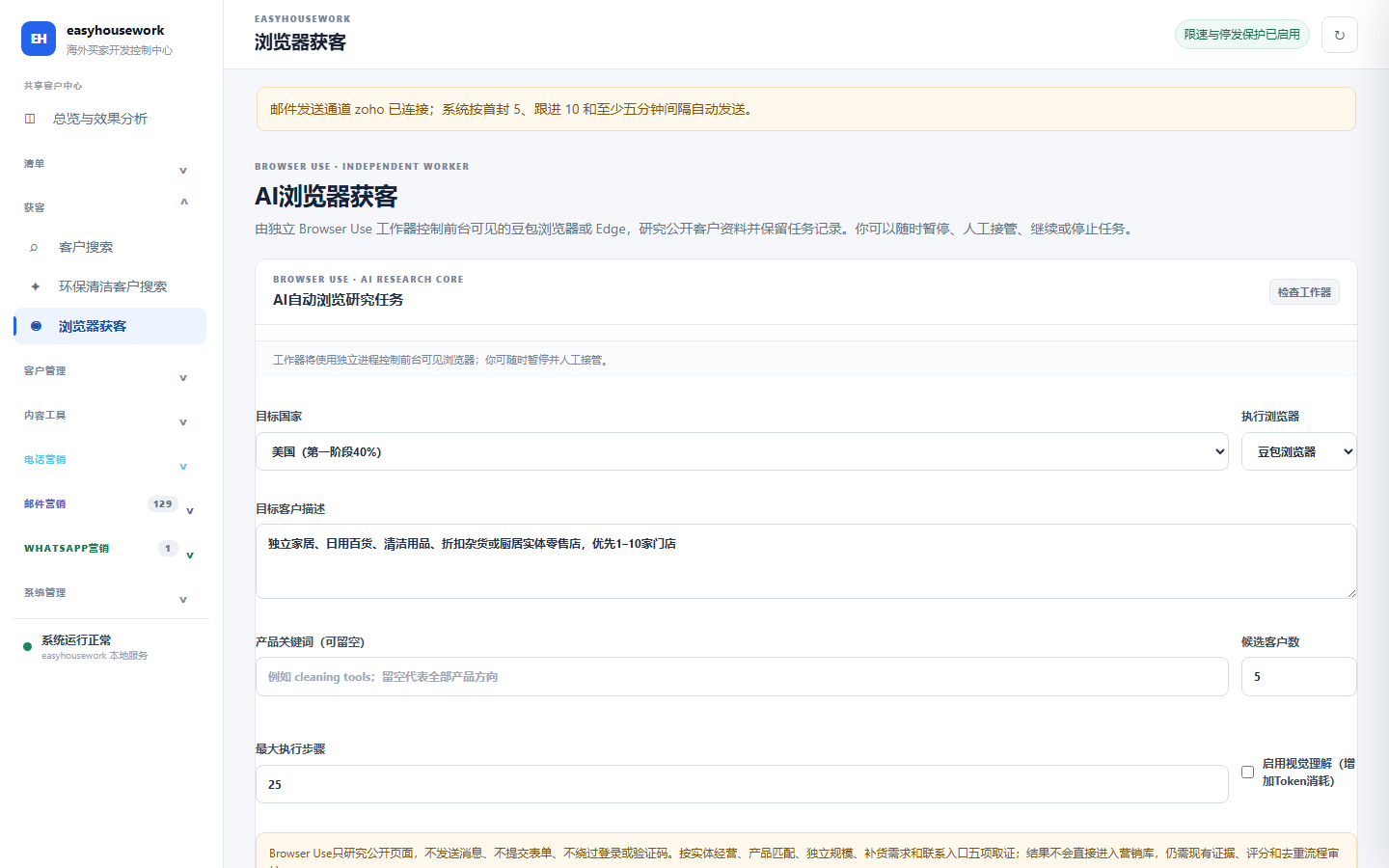
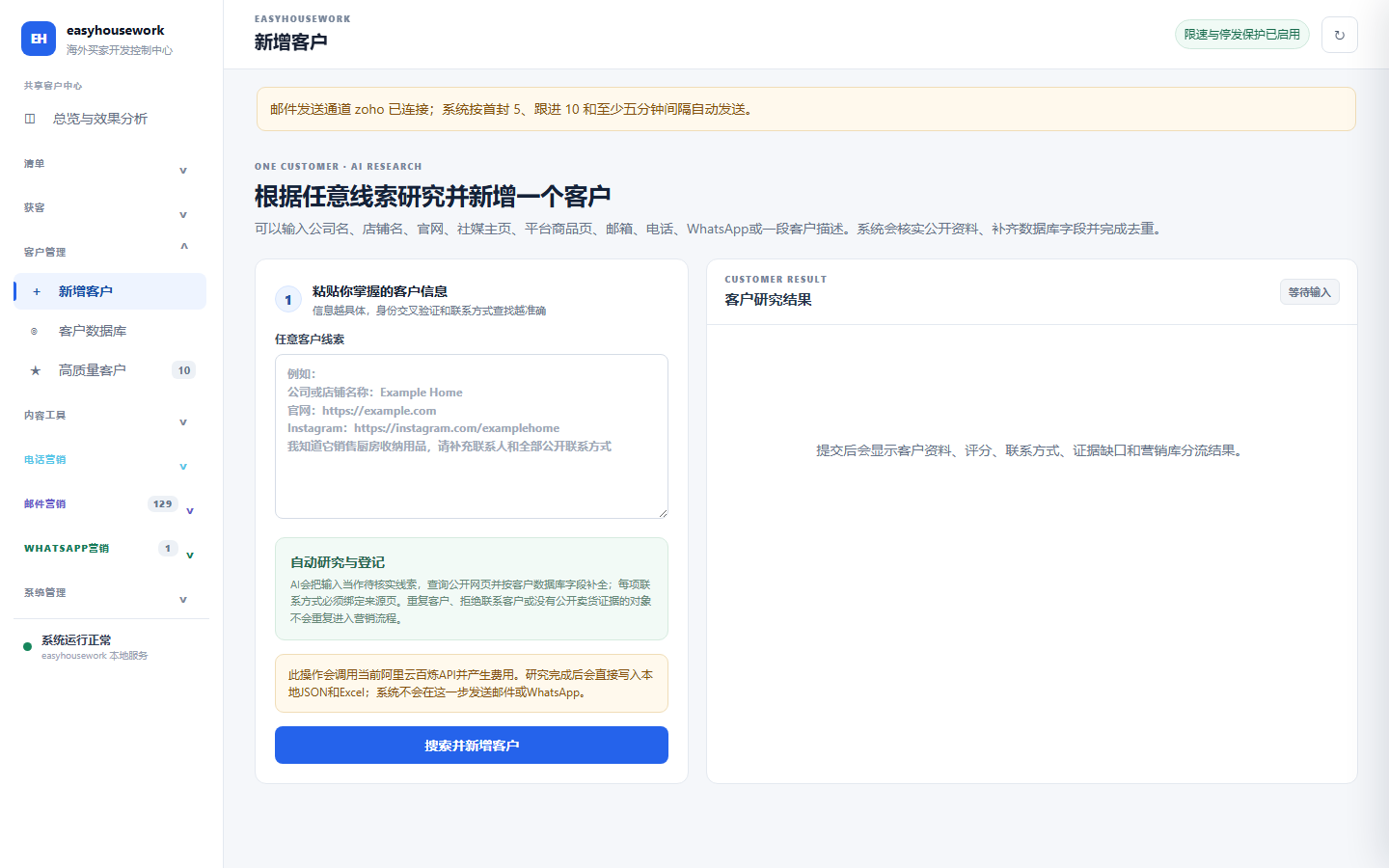
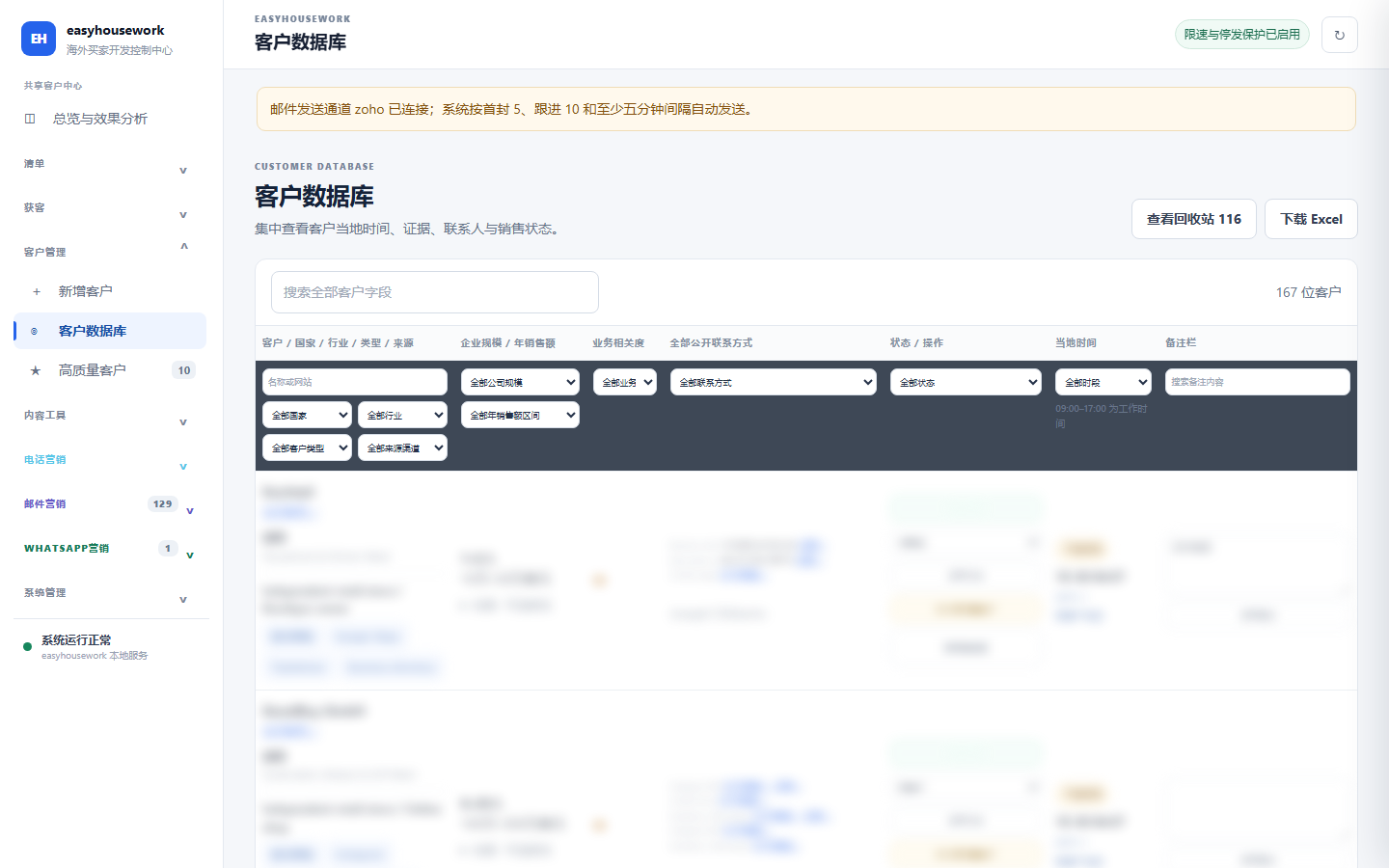
Unify customer files to record information, contact information and business activities.
Filter by country, industry, source, contact information, customer status, etc.; view public evidence, notes, follow-up arrangements and activity records, and support recycle bin recovery and Excel export.
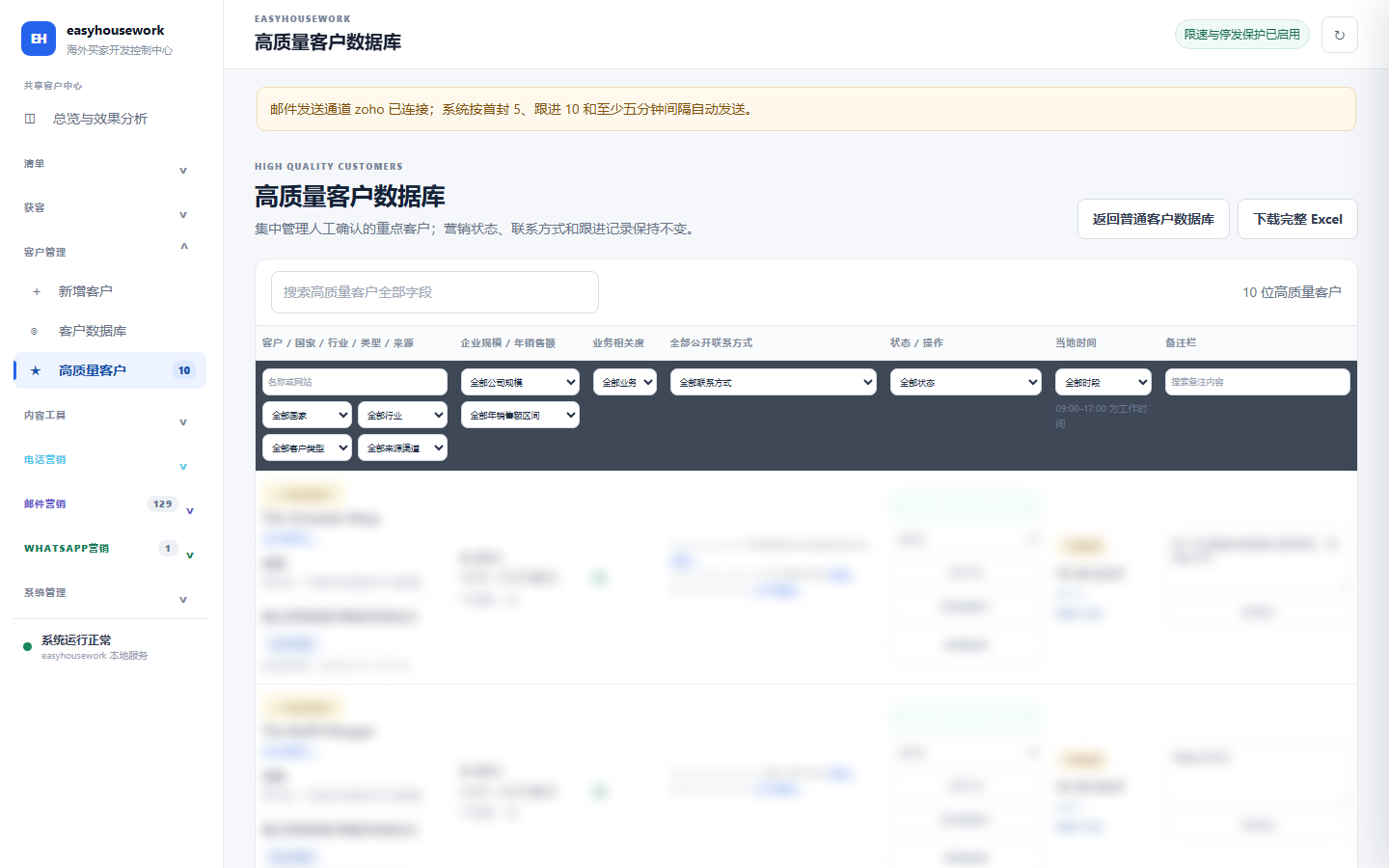
Business personnel manually confirm key customers; retain the original phone calls, emails, WhatsApp status and activity timeline, and return to the general customer database.
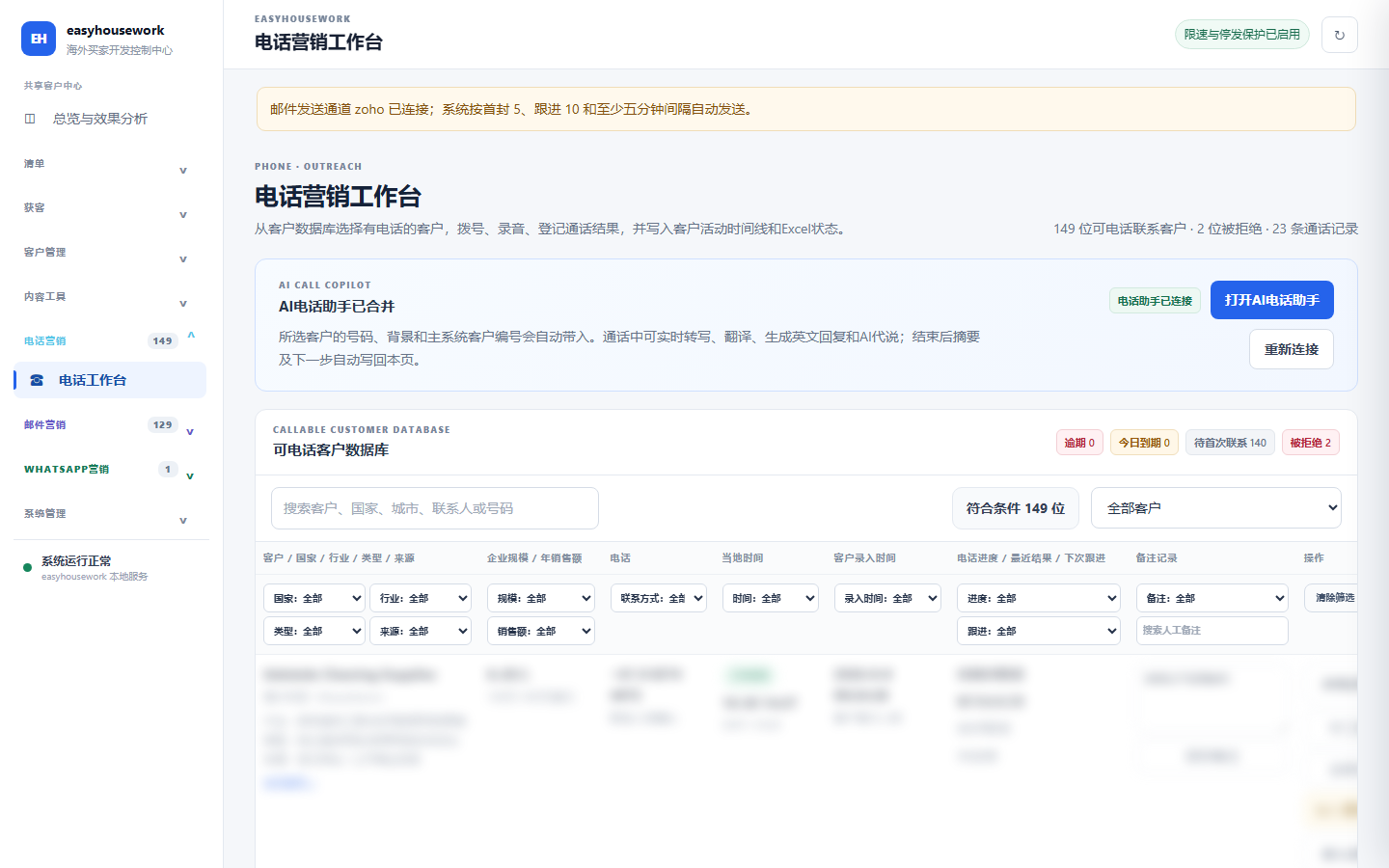
Screen customers in the phone workbench, and record calls and follow-up arrangements.
Filter by customer information, local time, call progress and follow-up status; register call results, summary and next follow-up date, and record recordings and customer activities.
Supports real-time transcription, translation, reply suggestions, voice utterance and post-call summary; real outbound calls require configuration of communication lines, calling numbers, public network audio portals and supplier permissions.
Call recording and AI transcription should comply with the notification, consent and data retention requirements of the customer's location. Actual calling capabilities depend on line and voice service configuration.
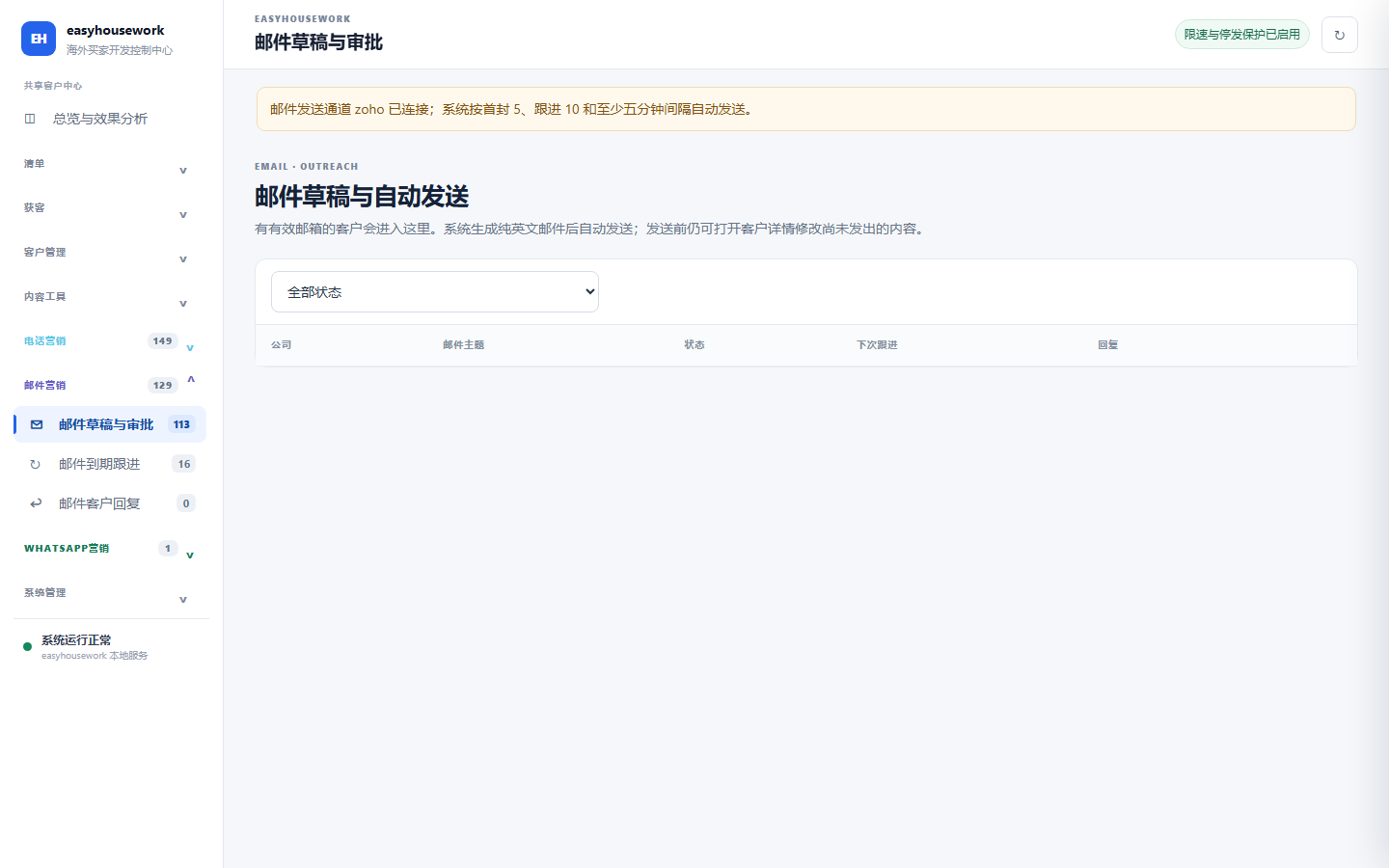
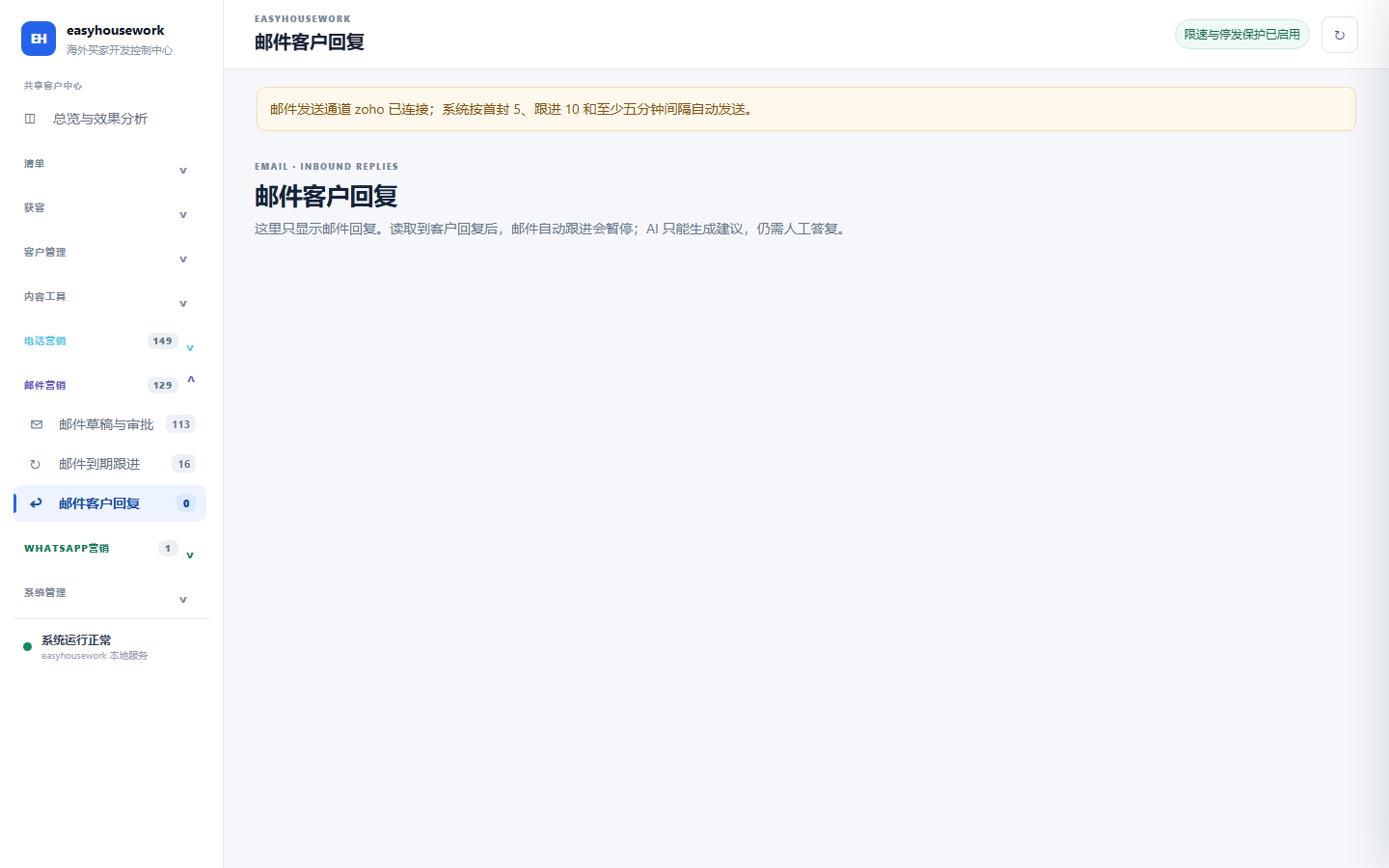
View email drafts, due follow-ups and customer responses, and link communication records to customer files.
Supports generating English development emails, viewing drafts, and revising them before sending; the current rules are that the first email is limited to a maximum of 5 emails per day, and the due follow-up emails are maximum 10 emails per day, with an interval of at least 5 minutes.
After receiving a true reply, the customer's automatic follow-up will be suspended; AI can provide suggestions, and the formal reply will be processed by business personnel based on the original text and authority. Supports configuring SMTP and IMAP for Zoho and Gmail.
Share data with customer profiles to record send, reply and follow-up status separately on WhatsApp channels.
Complete the international dialing code according to the country and check the E.164 format; a valid format does not mean that the number has been registered with WhatsApp. Channel verification requires evidence of actual delivery, read or reply.
Manage initial development and expiration follow-up; generate follow-up plans based on days 3, 7, and 14 after the first delivery. After registering the reply, the customer’s WhatsApp follow-up will be paused without changing the email channel.
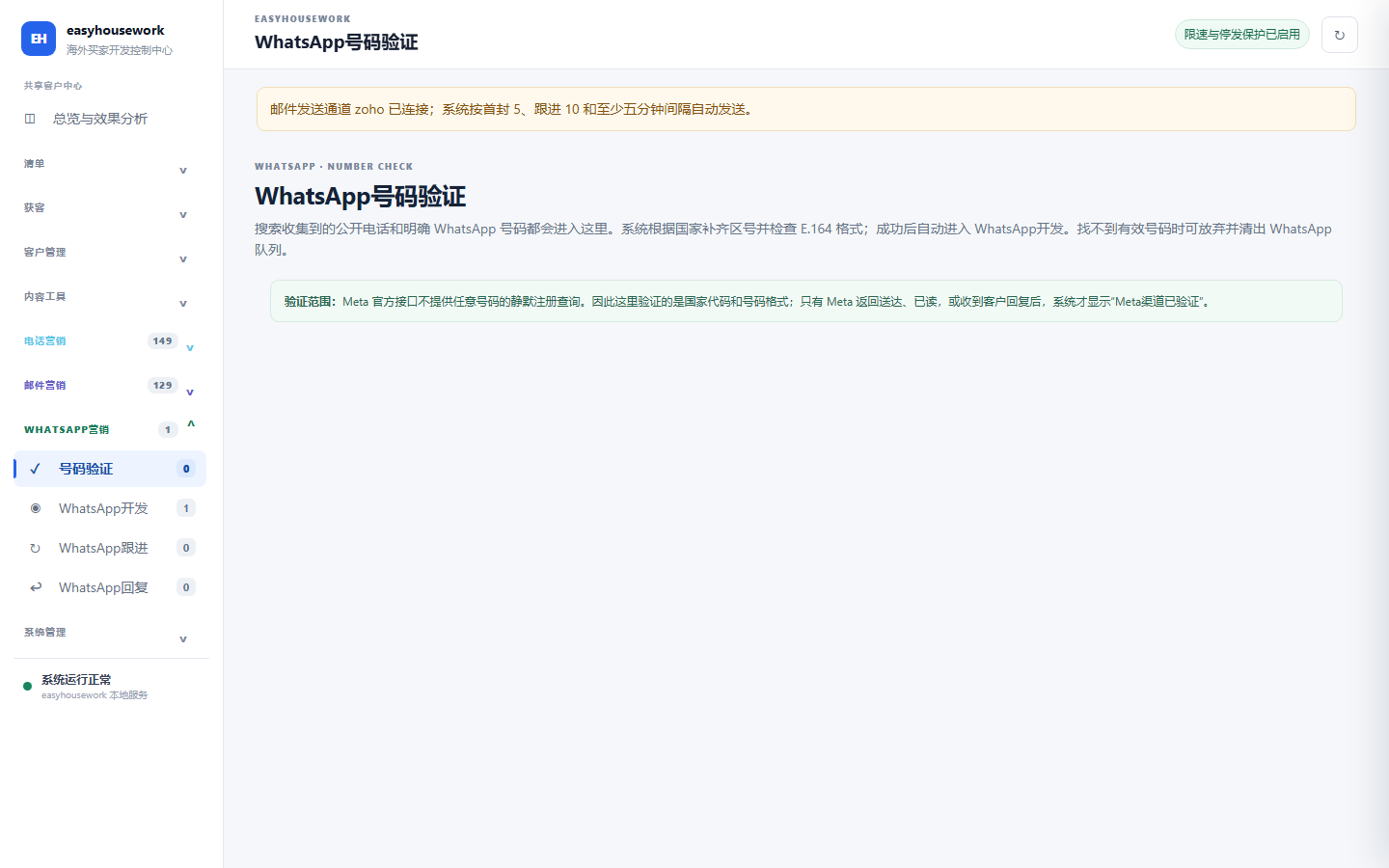
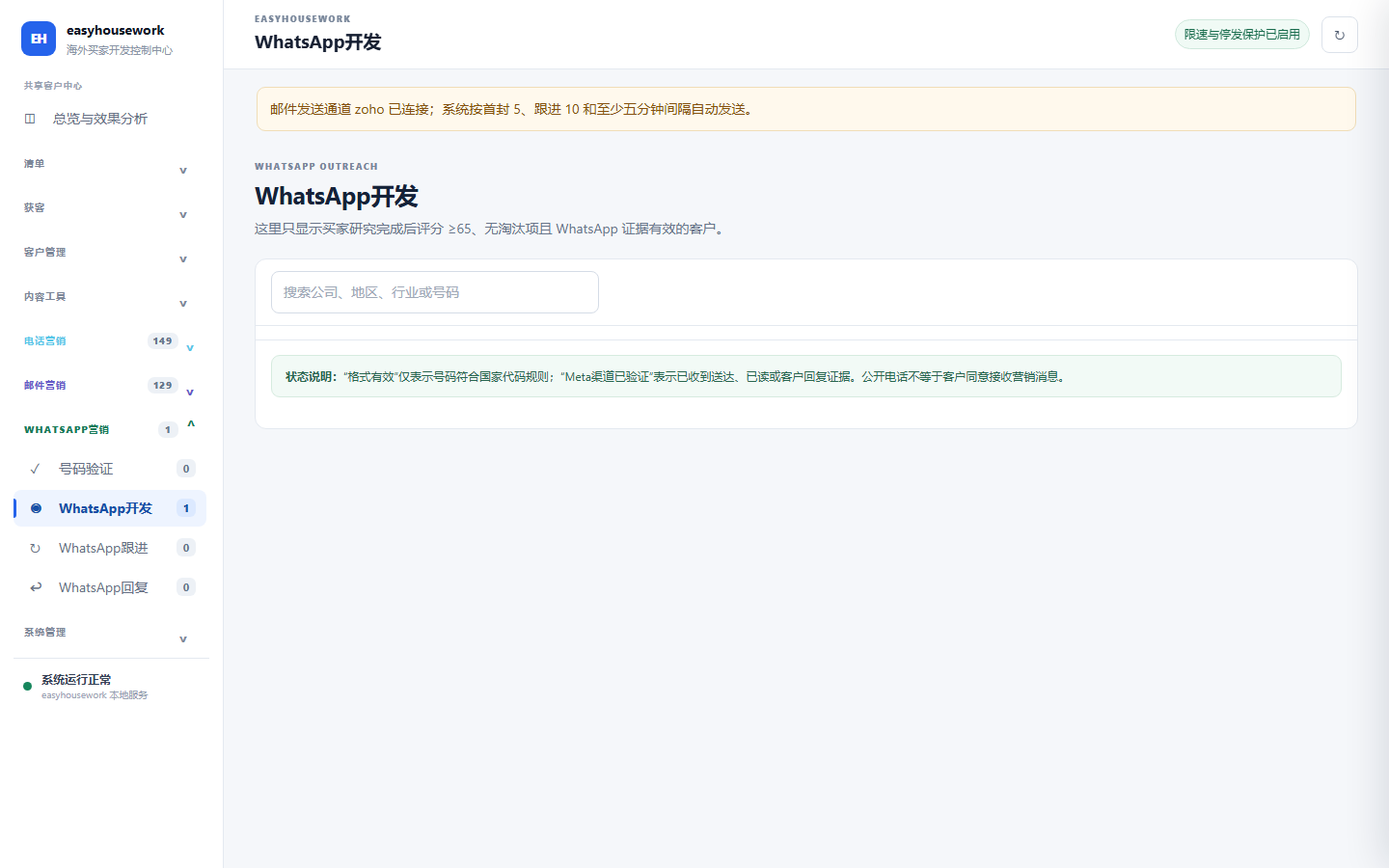
The actual sent and delivered, read, and reply events depend on the Meta Cloud API and the corresponding external callback configuration.
Generate content based on original product videos, target platforms, and confirmed product information.
Common video formats are supported. After selecting the target platform, duration and style, select the segment locally and crop it to the corresponding frame; the maximum size of a single file is 500MB.
Input real selling points and target audiences, and generate titles, openings, oral announcements, release copy, tags and shot suggestions. When the model call fails, local editing can still continue and provide backup English copy.
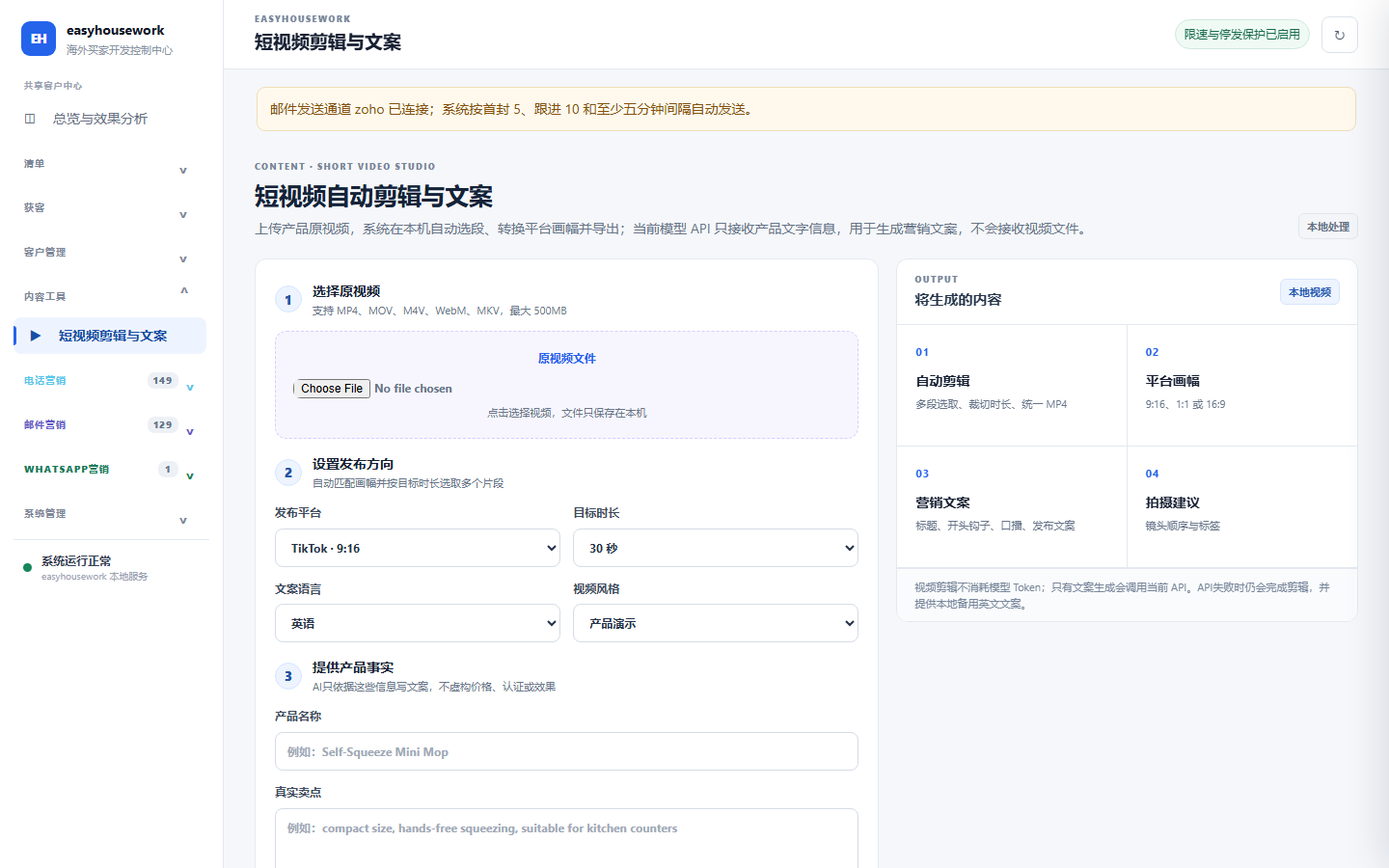
The video is processed natively; when generating copy, the model service receives the required product text information. The output content needs to be reviewed by business personnel.
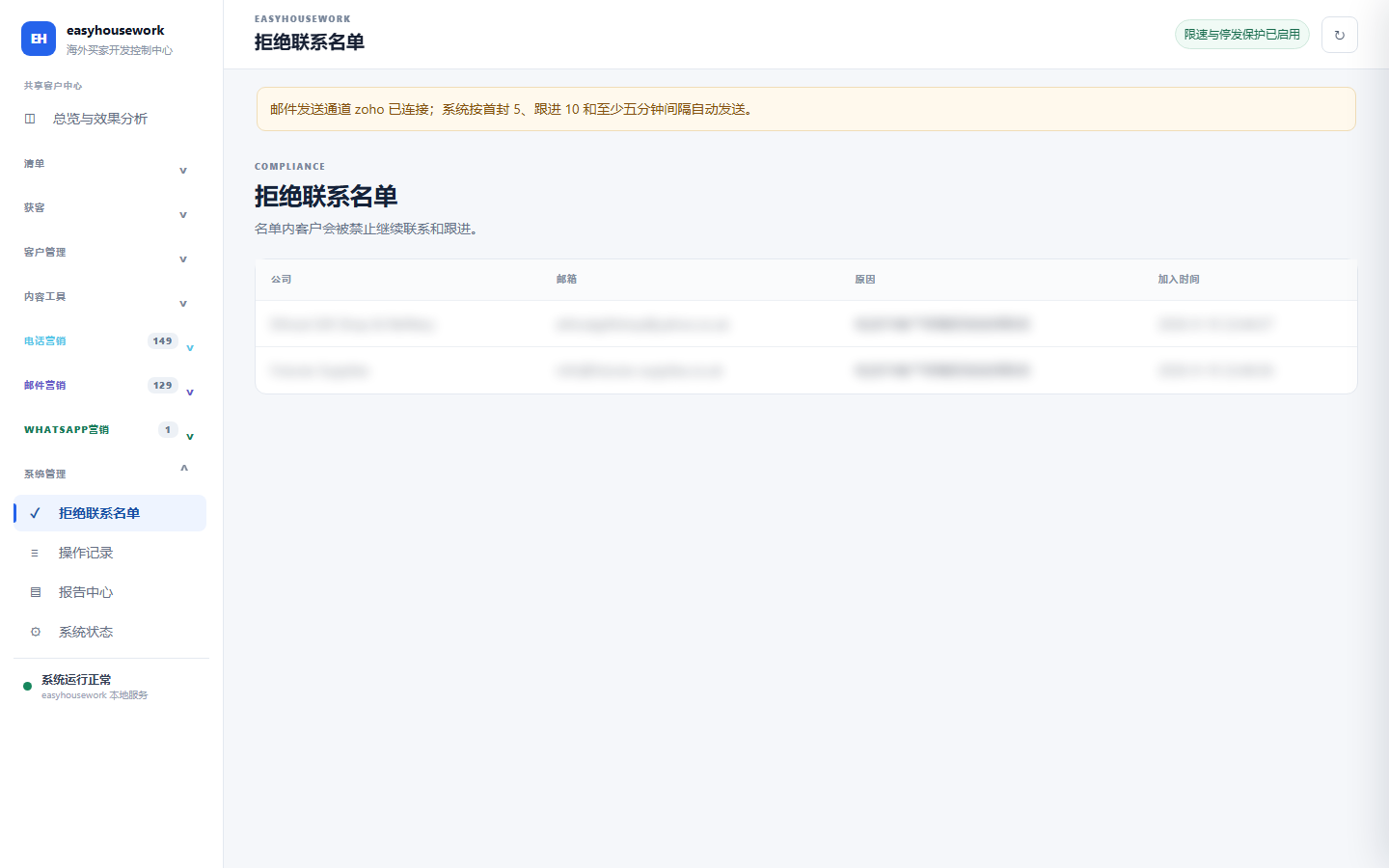
Manage business processes with deny lists, action records, and system status.
Stop follow-up contact with customers who explicitly refuse or unsubscribe; retain communication reasons and key operation records to support recycle bin recovery.
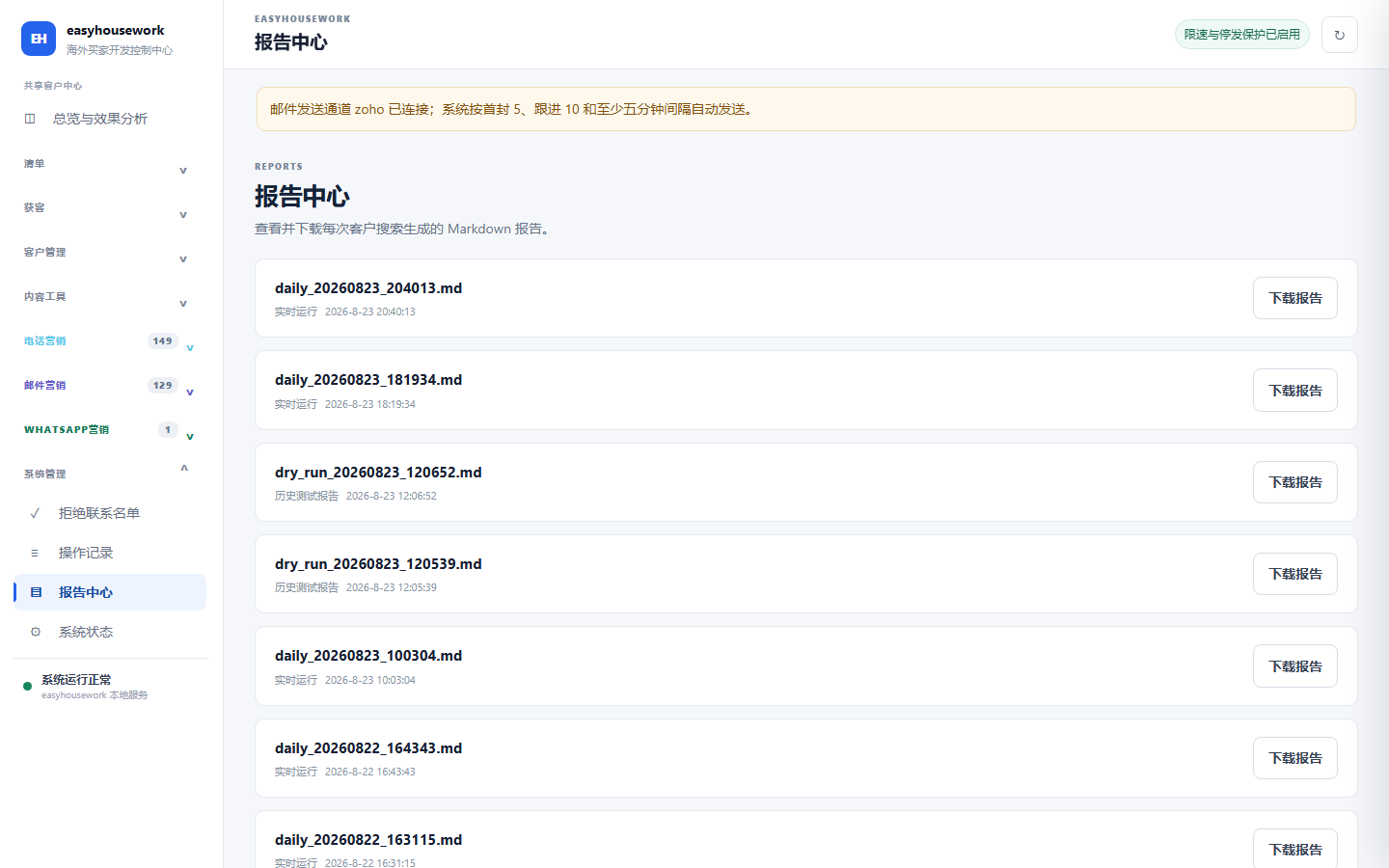
View and download search reports, check email, WhatsApp, automation, external callbacks and related service configurations.
Customer information, recordings, reports, channel status and task records are mainly saved locally. API keys and account passwords should be kept securely.
Only use public business information and unverified fields should be left blank or pending confirmation. Search, phone, email, WhatsApp and AI capabilities depend on corresponding services and permission configurations.
Set your target market and customer types, search for leads and check public profiles and contact details.
Check for duplicates and customer data, and manually identify customers worthy of focused follow-up.
Choose appropriate channels for communication and record results, notes and next actions.
Work on real responses and due tasks, review reports and update customer status.
Contact Shawn via WeChat or WhatsApp to chat about your business processes and needs.
Product screenshots show the Chinese-language software interface.