Create and manage
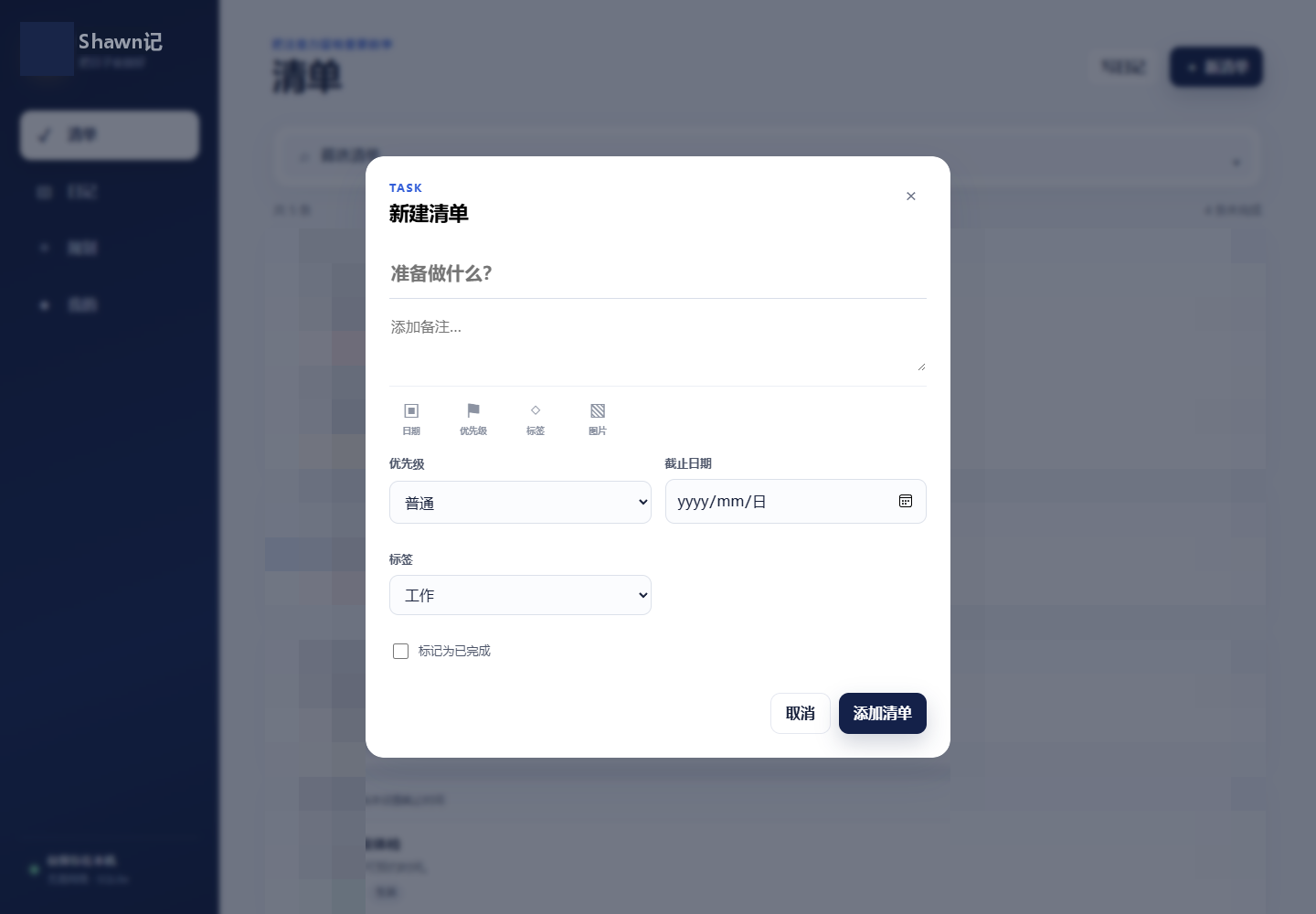
Fill in the title, notes, due date, priority, and work or life tags for the task, and you can also add pictures and videos. After completion, the task will be moved to the Completed group and can be checked again to resume.
Plan your days well. Use lists to organize the present, use diaries to record experiences, and use plans to take long-term direction, so that your daily actions and thoughts have somewhere to follow.
Consulting products ↗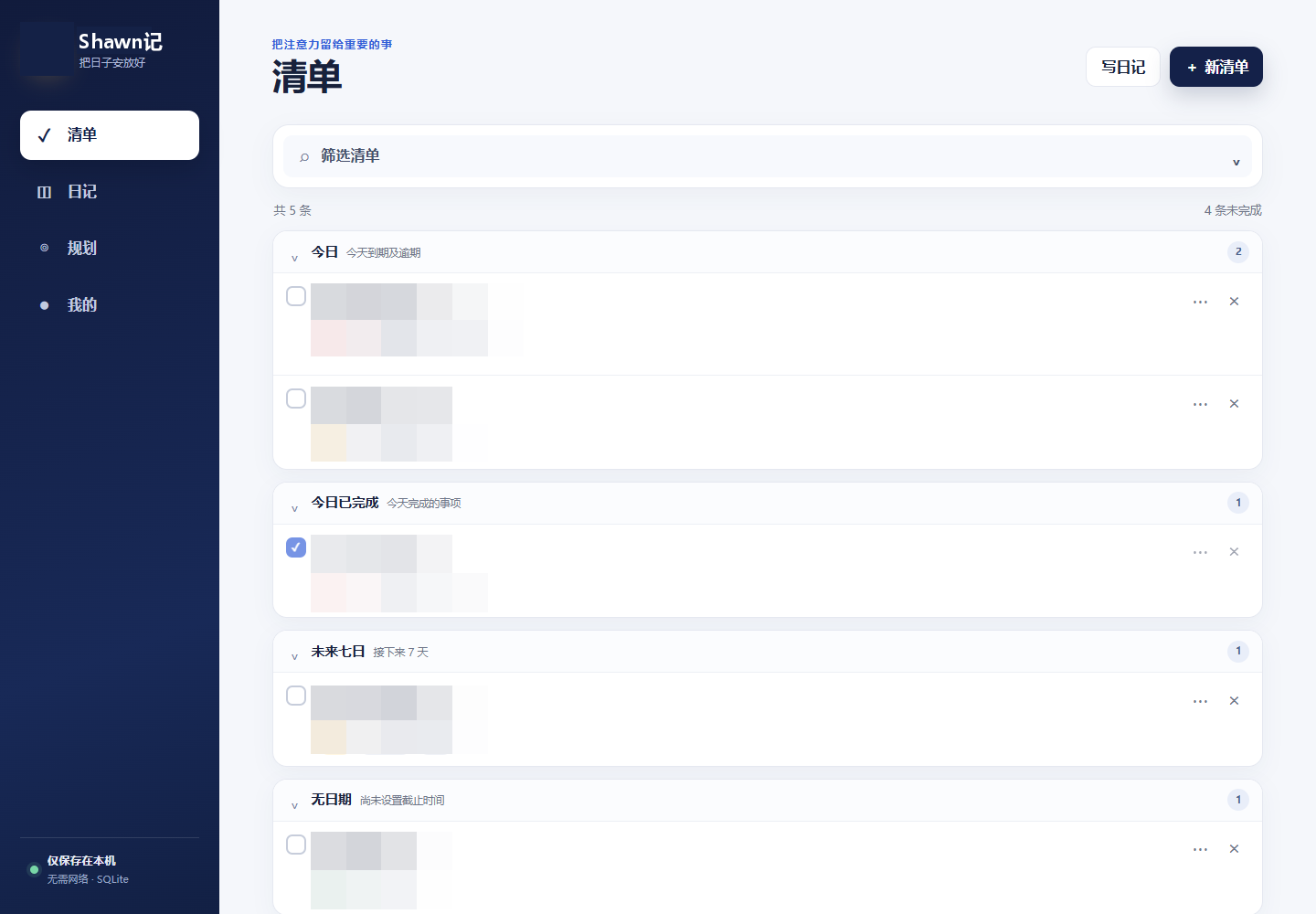
Diary list planning notes are designed around personal actions and long-term records, and are available for desktop and mobile use. Checklists help organize tasks, journals store facts and feelings, and planning connects long-term directions, and the My page brings together chat, insights, and data tools. The content related to personal records in the page screenshot has been mosaic.
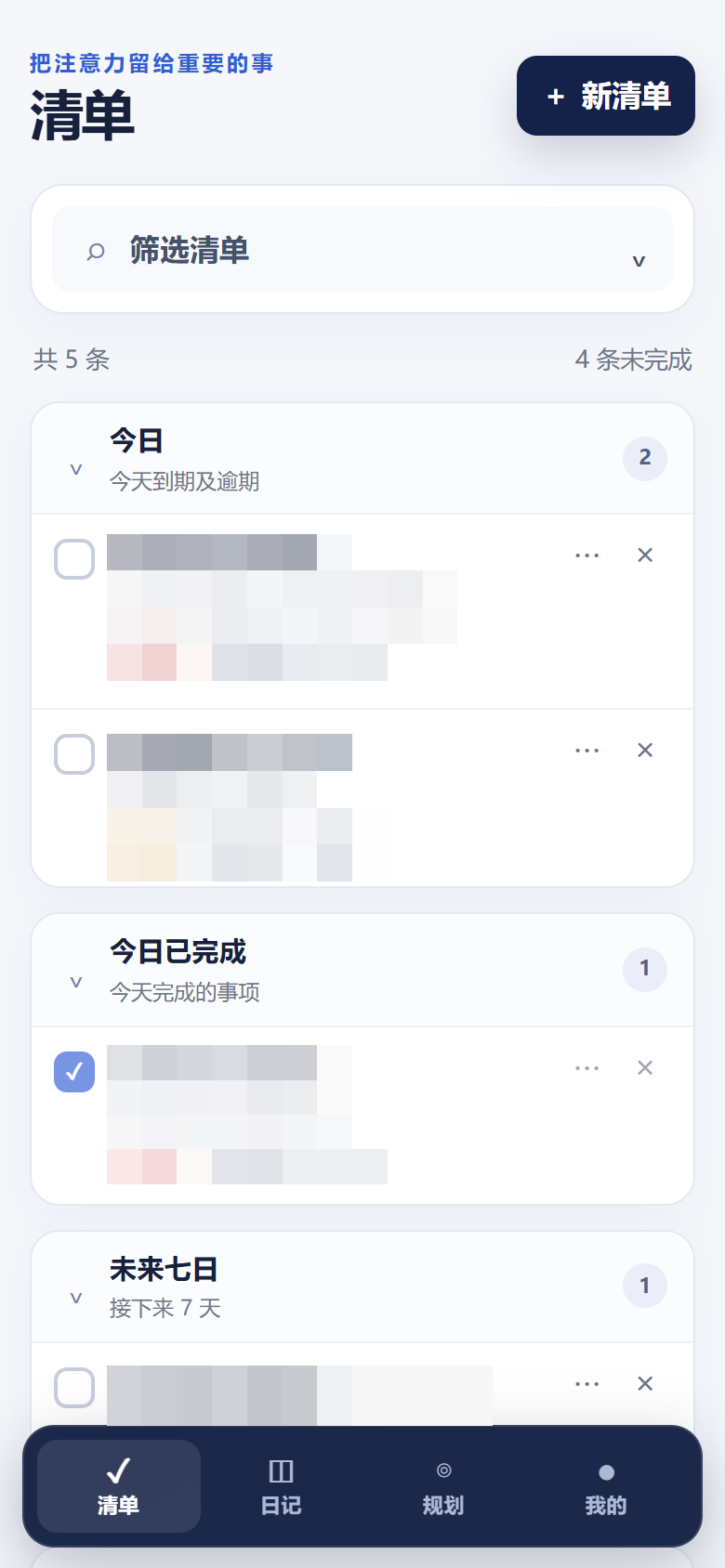
Organize tasks by time and status to reduce time searching in long lists.
Fill in the title, notes, due date, priority, and work or life tags for the task, and you can also add pictures and videos. After completion, the task will be moved to the Completed group and can be checked again to resume.
Group by today, today's completed, next seven days, no date and earlier completed; can combine keywords, status, priority and label filtering. After deletion, it can be restored in the Recycle Bin.
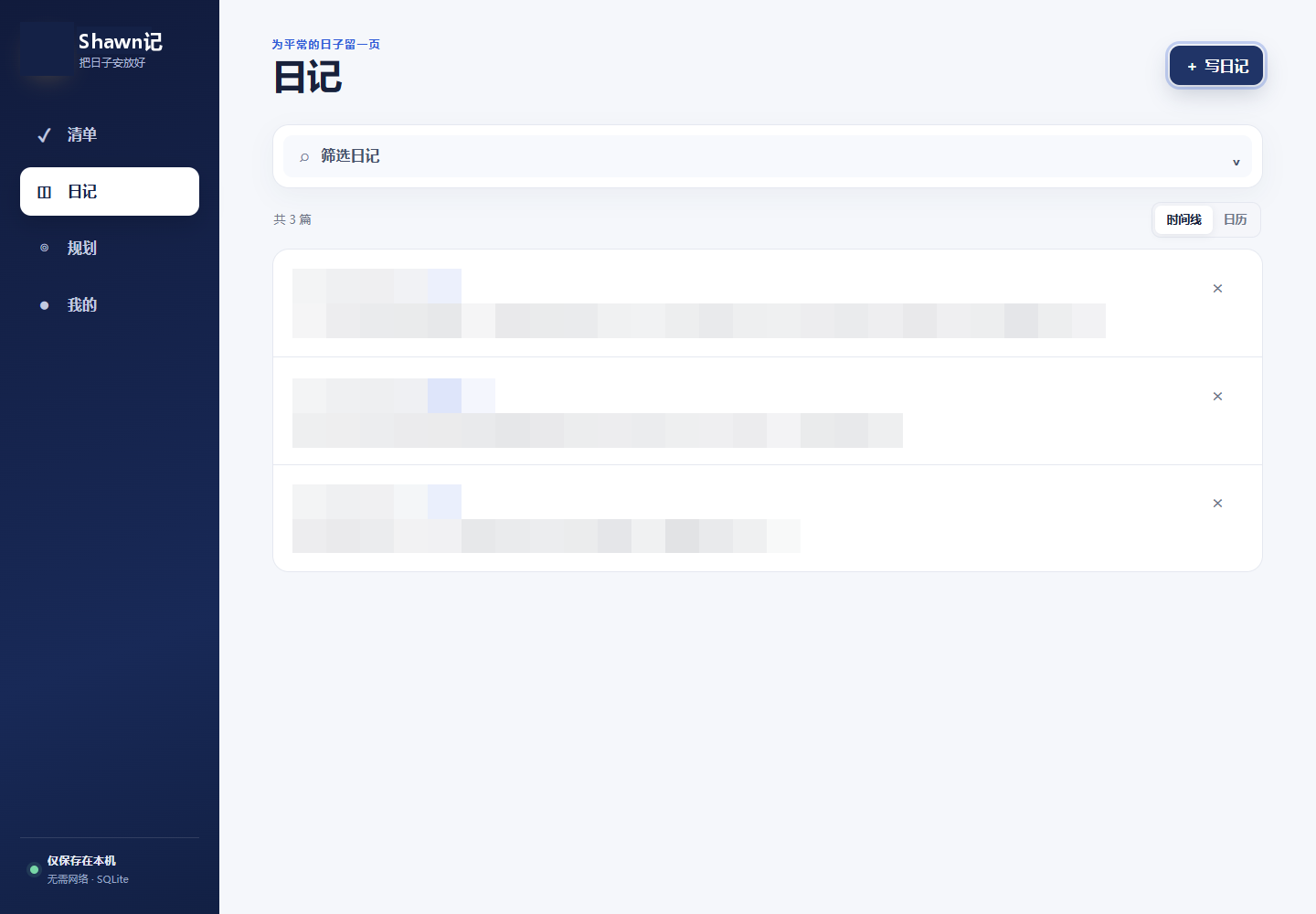
Use the timeline or calendar to review daily records, and you can save multiple diaries on the same day.
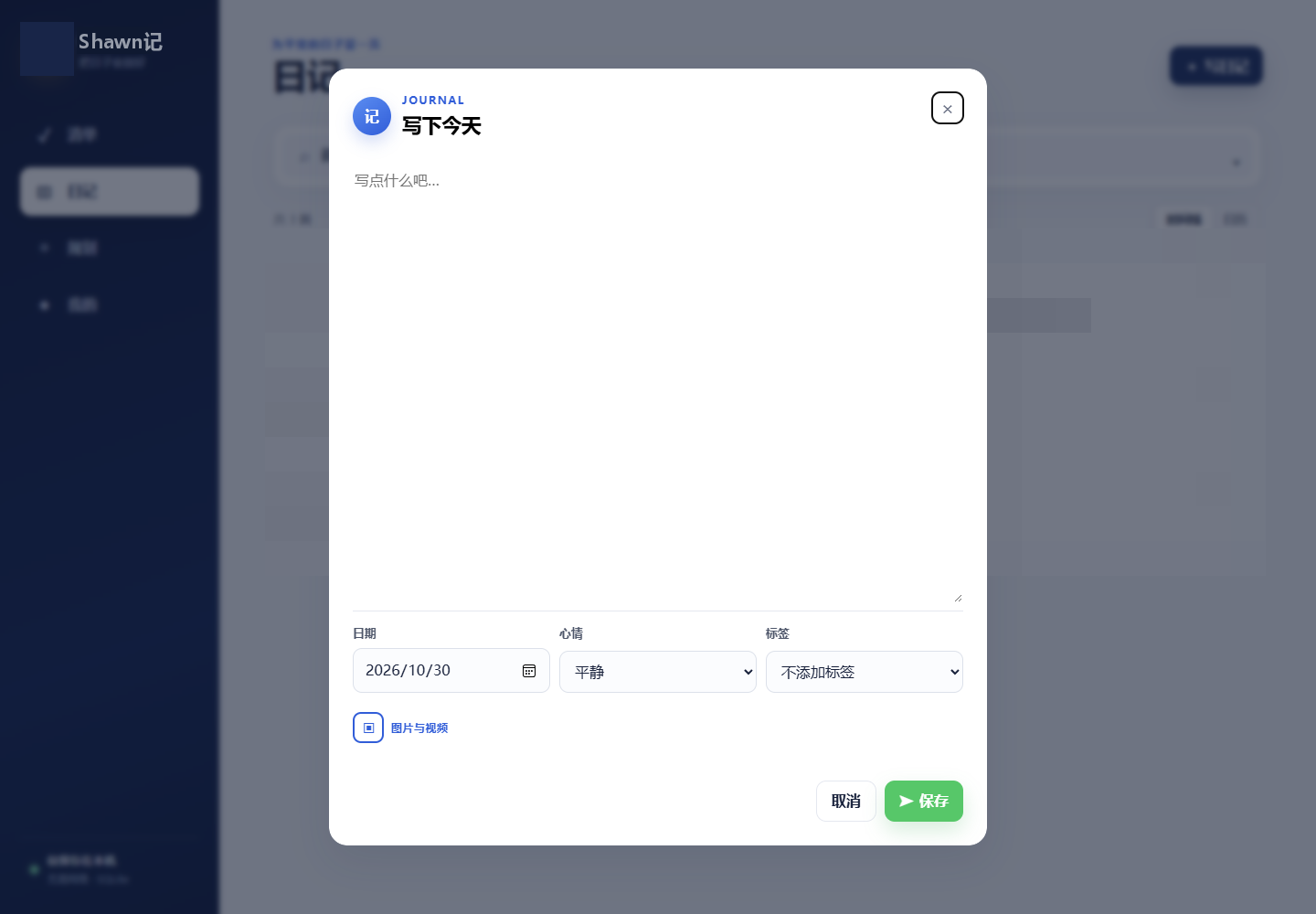
Select the date, mood and label, and add pictures or videos; the labels cover insights, work, life, inspiration and project cases.
Filter by keywords, tags and moods, or search through the monthly calendar; published diaries remain read-only, and images can be viewed in large format.
Manage long-term direction, stage goals and important principles in one place.
Use long-term planning, short-term goals and life tips to record the direction of continuous advancement, stage results and long-term reminders respectively.
Set the parent-child relationship for plans of the same type; filter by ongoing, on hold, or completed, and edit descriptions and add pictures and videos.
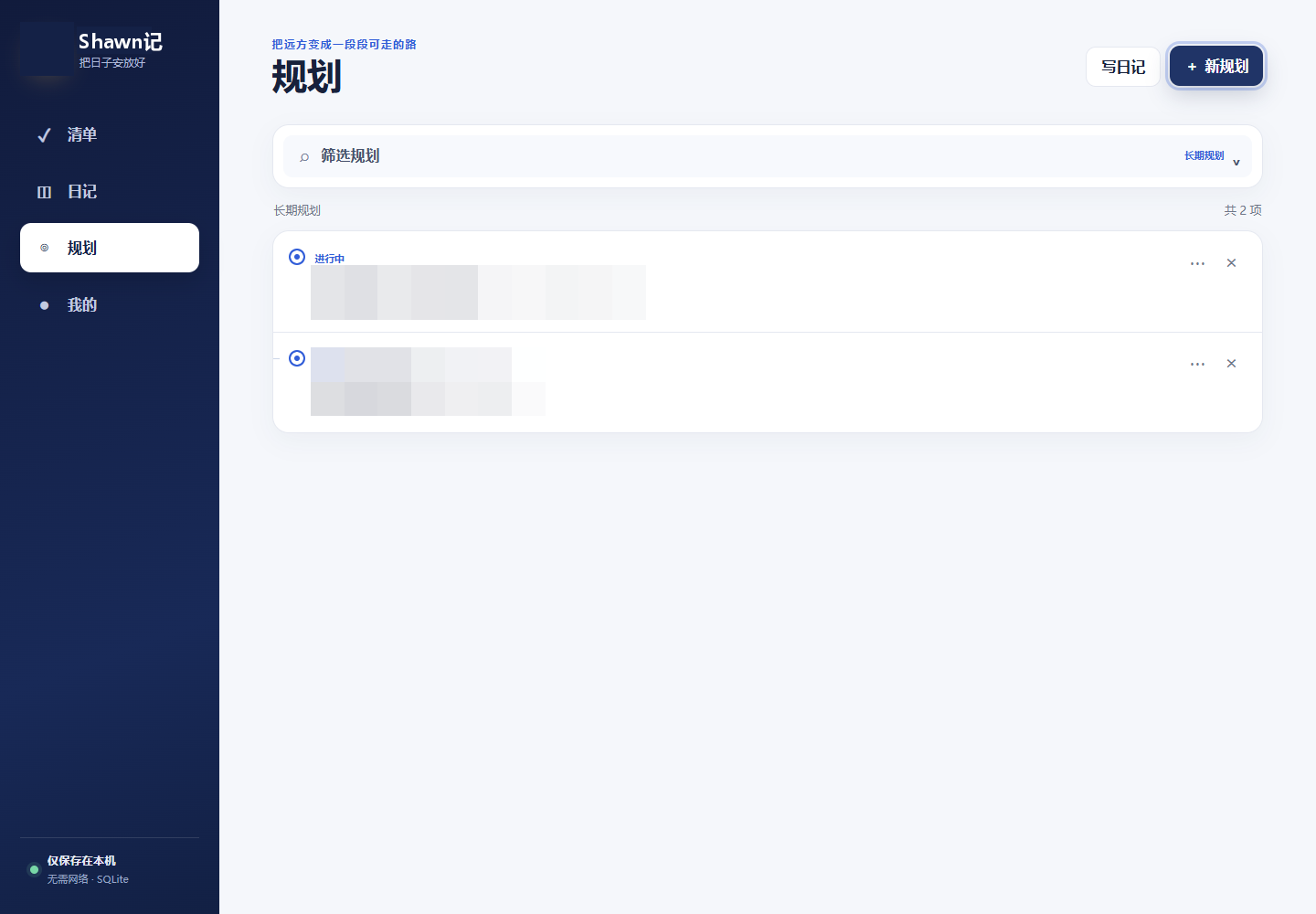
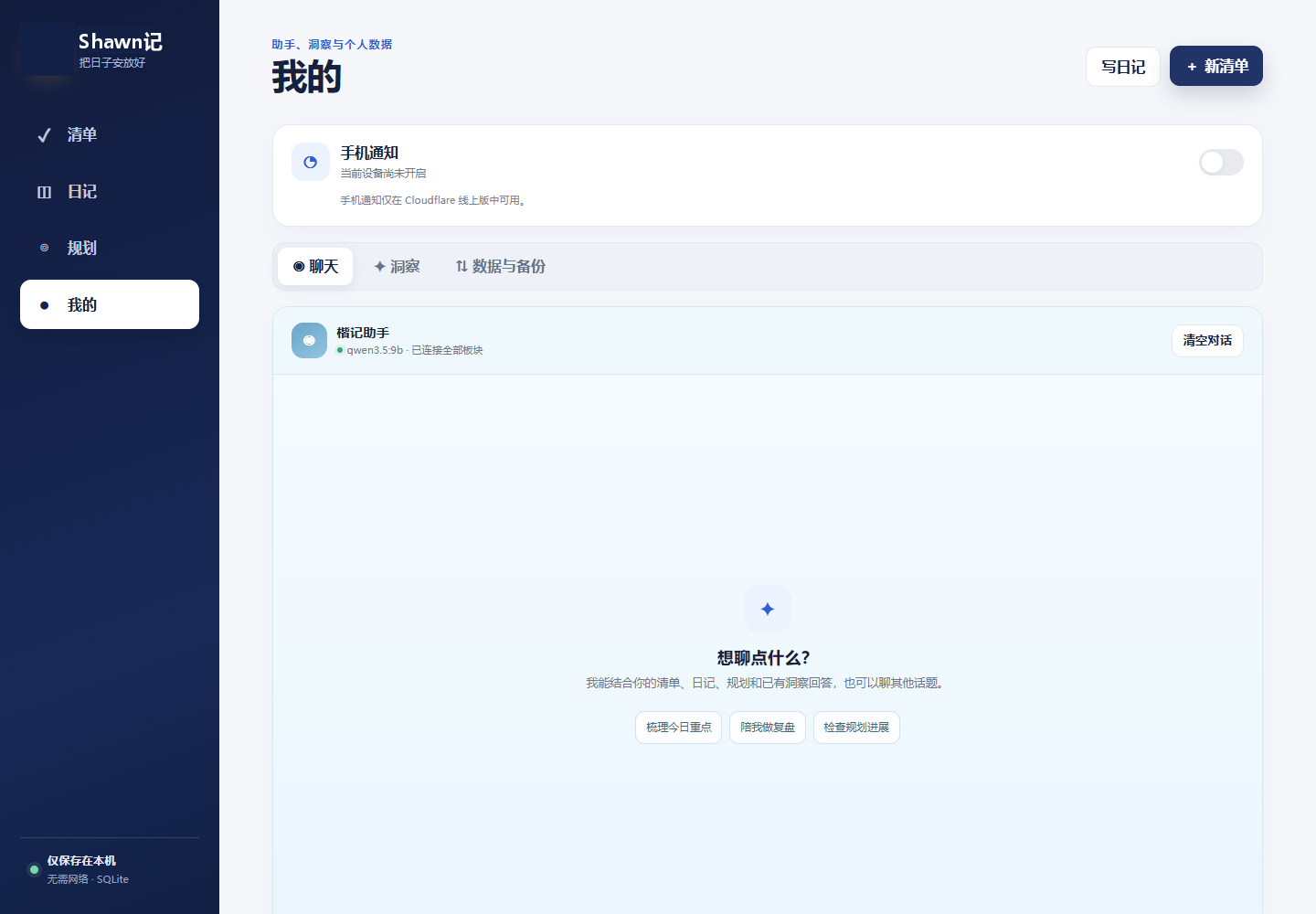
Conduct conversations and reviews based on your own records.
Chat can combine lists, diaries, plans, and existing insights to answer questions; the conversation can be cleared, and clearing the chat will not delete the original record.
Combining task completion status, diary sentiment and planning within the specified time range, generate patterns, evidence, confidence and next step suggestions. Insight is not a medical or personality diagnosis.
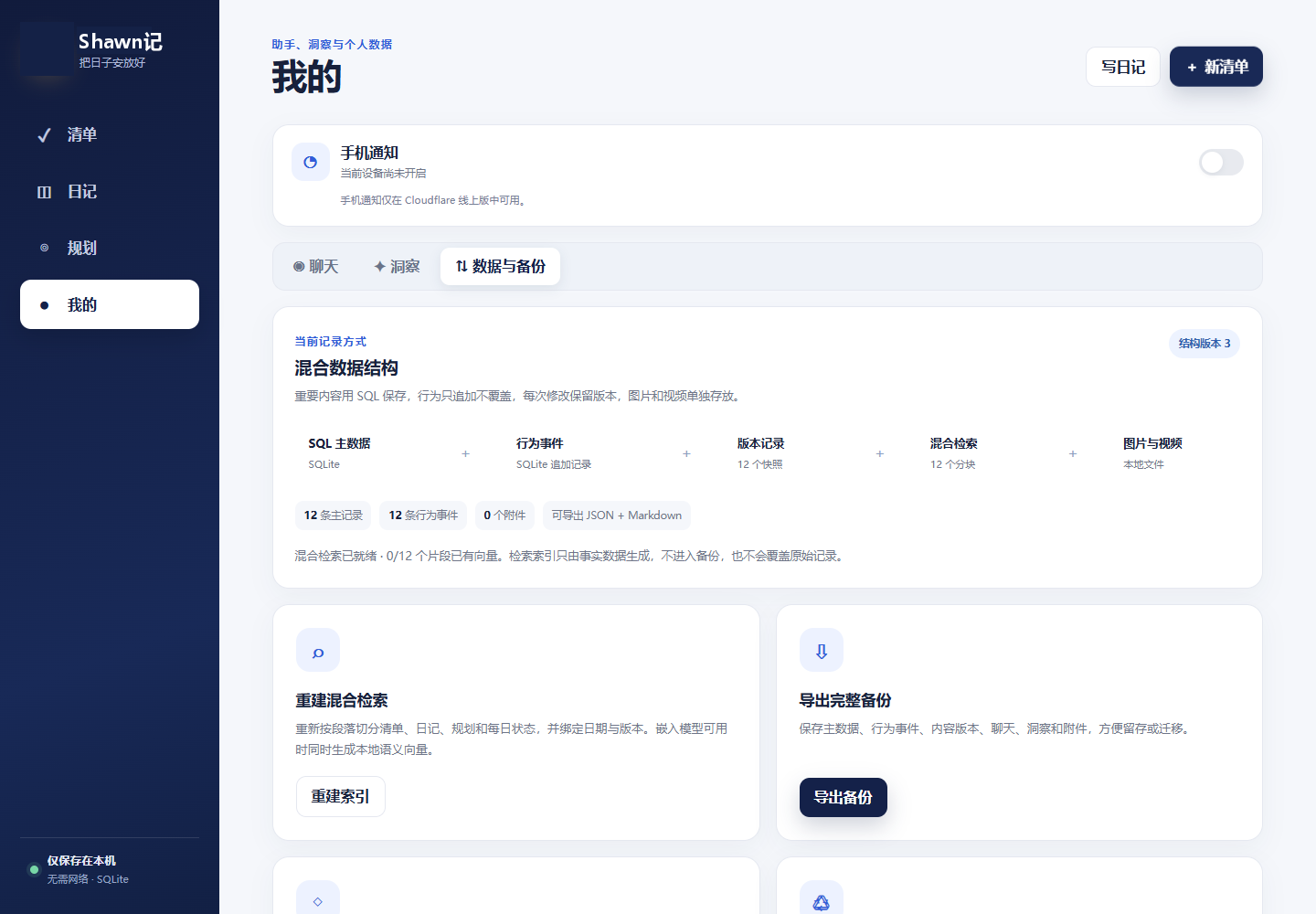
Allow text and media to be saved in a viewable and backupable way.
A full backup includes the original files of lists, diaries, plans, chats, insights and media; Markdown, planning documents and behavioral events can also be exported for long-term reading.
Deleted lists, diaries and plans can be restored in the recycle bin or permanently deleted; pictures and videos are retained with their associated records, with a maximum size of a single file of 100MB.
Structured data and media are saved locally, and the local version can be used offline; local chat and insights require the corresponding models to be installed and run.
Cloud data and media are stored in Cloudflare D1 and R2 respectively; cloud chat relies on a private gateway and a running local model.
Available through the browser on Apple phones and added to the home screen.
After the cloud version is authenticated, you can select "Add to Home Screen" in Safari's share menu and then open it from the mobile desktop.
Mobile notifications are only available in the cloud version; you need to enable the function and authorize notifications, and the actual delivery is also affected by the mobile phone system settings.
Review today’s list, prioritize and check off tasks to complete.
Use a diary to save processes, feelings, and experiences worth looking back on.
Review the plan and stage goals and adjust next steps.
Export full backups regularly to keep text and media safe.
The local version and the cloud version differ in data saving, model calling and notification functions. Cloud chat relies on a local model and secure gateway on your home computer; full backups contain personal content, please store it in a trusted location.
The current version mainly exports and retains data. The data range should be confirmed before the recovery operation.
Contact Shawn via WeChat or WhatsApp to chat about your usage needs.
Product screenshots show the Chinese-language software interface.